A Collection Points at the Run
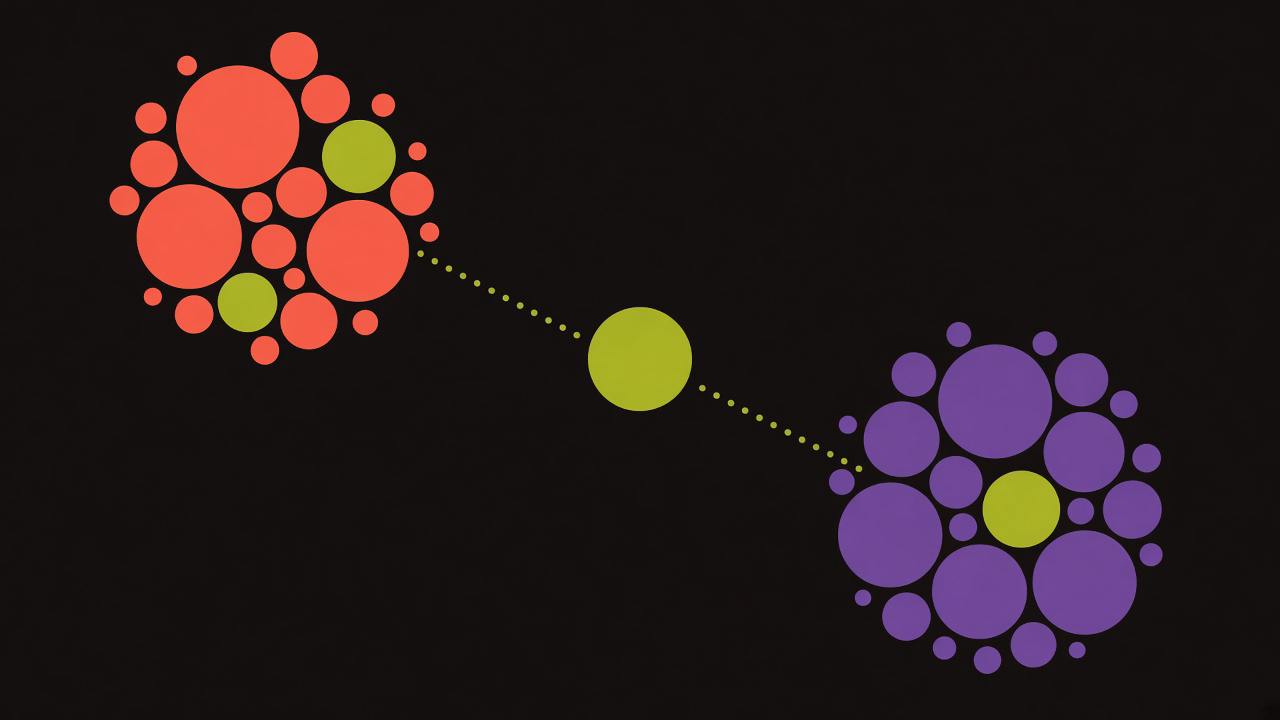
A collection stores run ids. Open the shelf, and those runs are grouped back under the prompt that produced them.
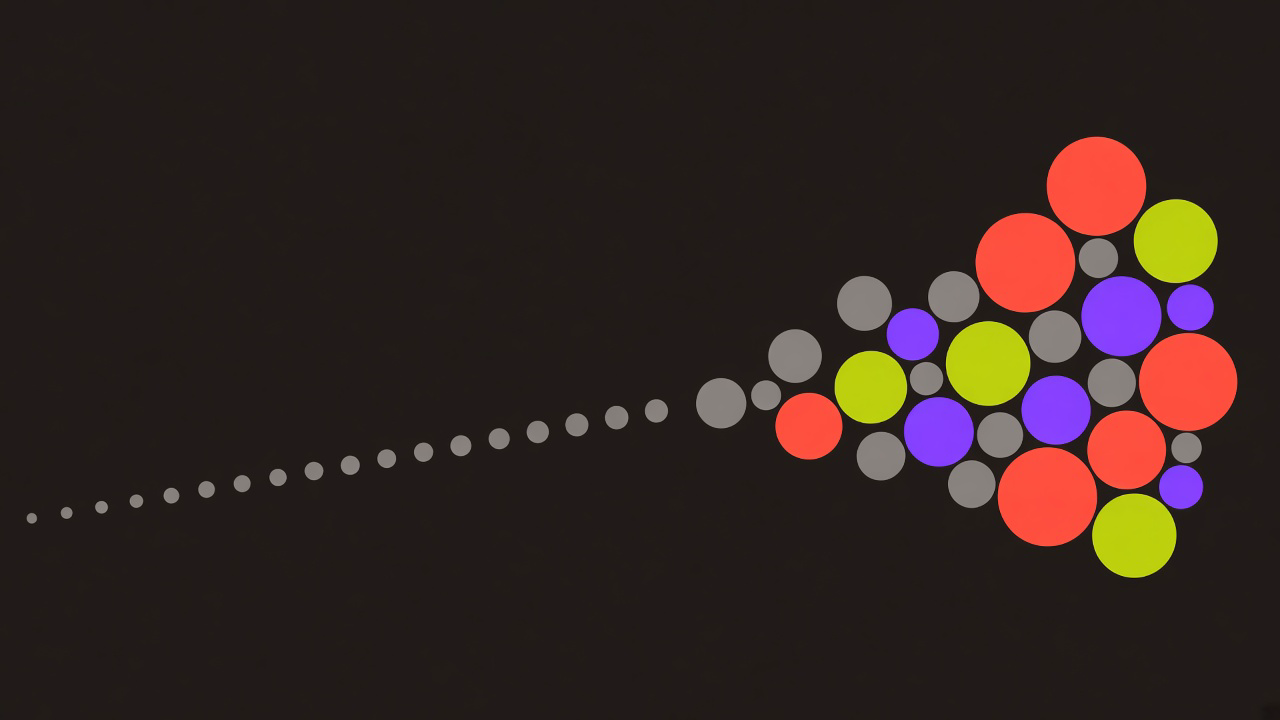
History keeps every prompt you have sent, newest first, twenty to a page. A collection is the subset you decided belongs together. What it stores is a list of run ids, plus a name.
The folder button on a history row sends every run id currently under that prompt. A standard sample with two models is two runs, and both are filed. A facet sample files the angle list along with the answers. The dialog that creates the shelf asks for a name and an optional description.
The record is a pair
Each membership is one collection id and one run id. The same run can sit on more than one shelf. Filing an id that is already there changes nothing. The pair is the key, and a repeated insert is dropped.
The prompt text, the probabilities, k, and tau stay on the run. Rename the shelf and the wording of the prompts stays put. Delete the shelf and history still has the runs. The links are what disappear.
A later sample of the same prompt is a new run id. It shows up in history on its own. It joins the shelf when you file that history row again. The second filing inserts the ids that were missing and leaves the ones already stored.
The badge counts prompts
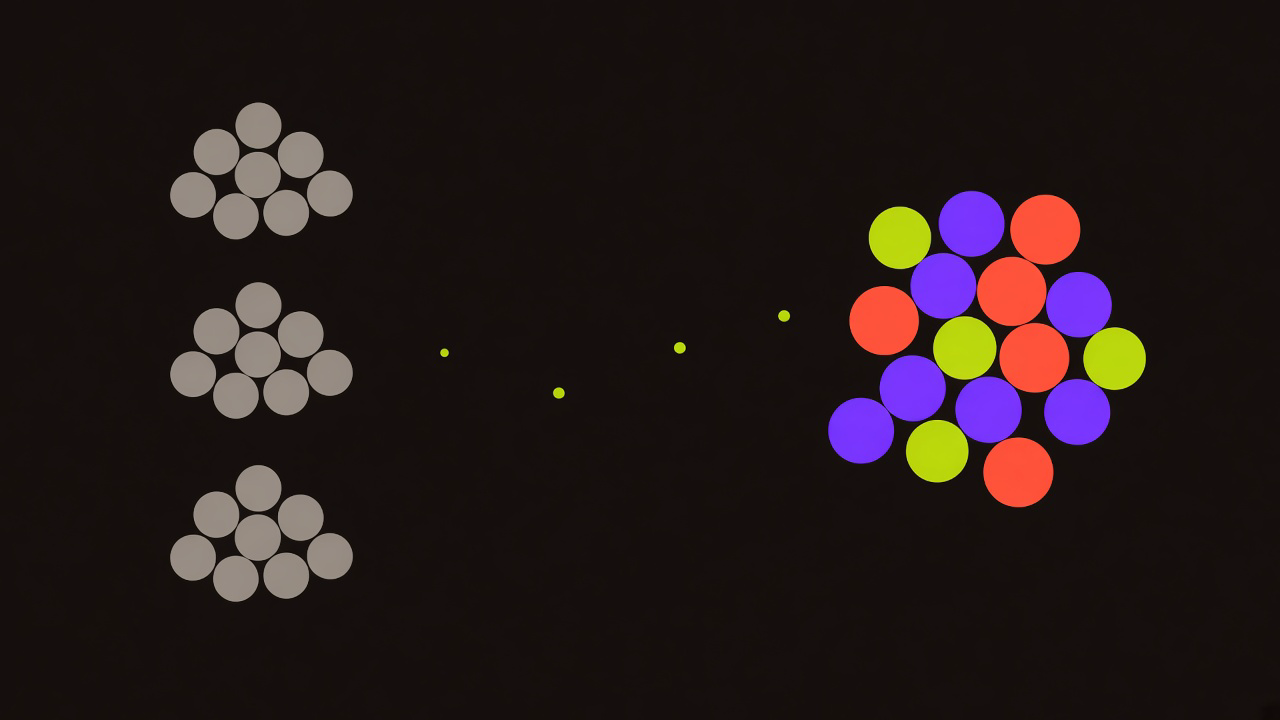
The card on the shelf reports prompts. The number is a count of distinct prompts behind the runs you filed. Two models on one question count once. An empty shelf says "No runs in this collection" and points you at history. A filled card still badges the count as prompts.
The name is required and stops at 100 characters. The description is optional and stops at 500. The shelves are ordered by the clock under that badge, latest change first. The clock moves when the shelf is created, when it is renamed, when the description changes, or when new runs are added.
From the page you can rename the shelf or delete it. Deleting the shelf removes the links. Every run remains in history.
Open the shelf and the prompt returns
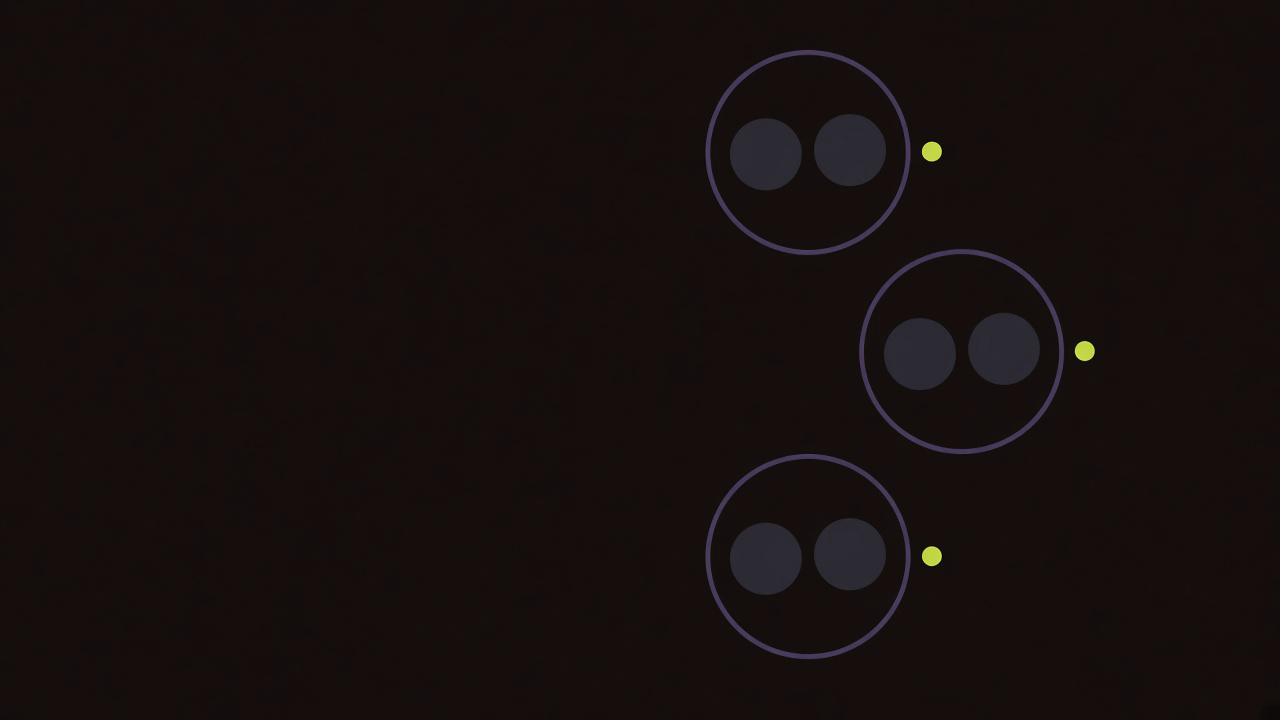
The page follows each link to its run, then to the prompt, then to the responses. Prompts are listed newest first. Inside a prompt, runs are newest first. Responses inside a single run keep the order they were saved in.
The page sorts prompts by the time they were created. Filing an older prompt today leaves it below a newer one. The clock on the shelf card moves. The row stays where its creation time puts it.
Expand the row and the reading surface flattens the nesting. Every response under the prompt becomes one list, sorted by reported probability, highest first. The drift meter draws that list. Export uses it too.
JSON downloads as drift-run.json. It carries the prompt, the time of export, and each response with its model, probability, tier, and text. CSV downloads as drift-run.csv, with the prompt on a comment line above the columns model, probability, tier, and text. Copy all writes the percent to one decimal, the short model name, and the text.
The tier names are the same cuts as in how Verbalized Sampling works. 0.30 and above is conventional. From 0.10 up to that line is creative. Under 0.10 is wild.
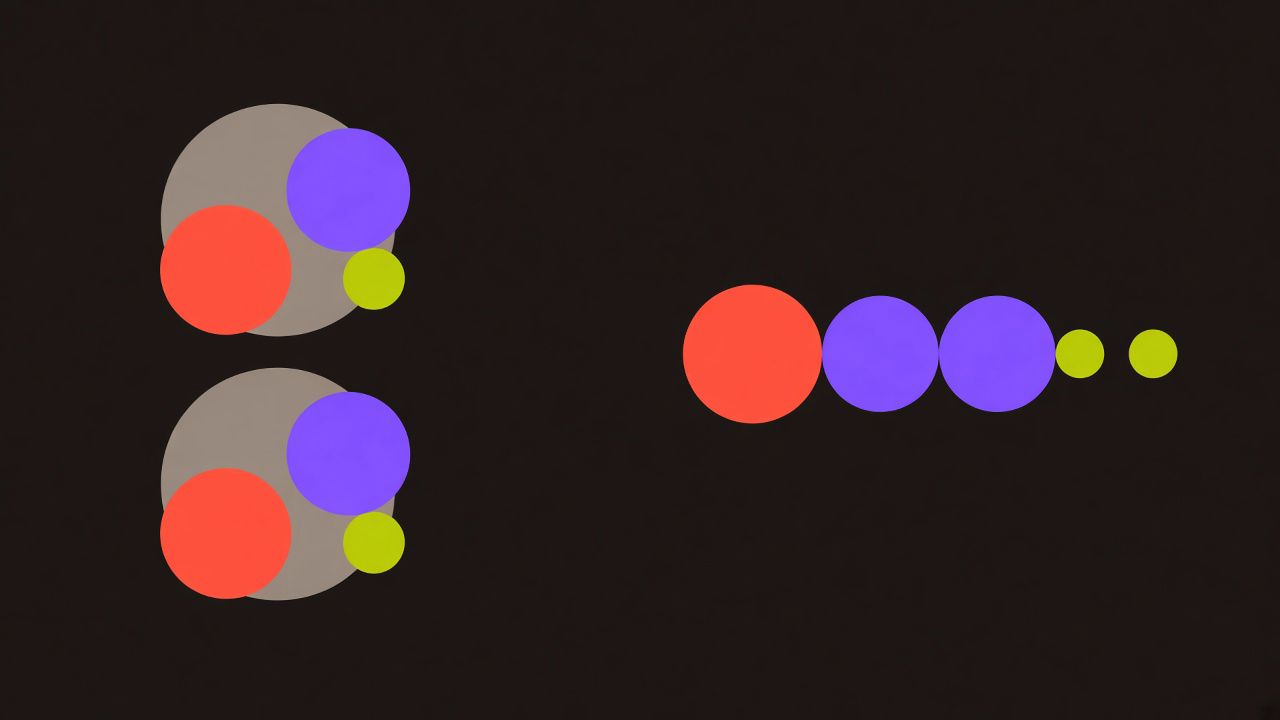
A facet row mixes the angle list into that sort. Those angles were saved at probability 1.0, with the model name facet-generation, so they lead the expanded list, ahead of the answers. The facet post is where those angles come from. A collection files every run id on the history row, including that one.
Sharing a prompt stays on the history row. The shelf gives you the meter, the cards, and export.
The bolt fills the box
The bolt on a row copies the prompt text into the box, sets the models to the ones on the filed runs, and takes k and tau from the newest run in the group. Then it opens the app. The sample starts when you run it.
That split is the one in the next prompt is a card. Putting a prompt in the box and drawing the next distribution are two moves.
File a prompt, sample it again with a different k, and file the row again. The bolt uses the newer k and tau. The older run remains on the shelf, and its cards remain in the expanded list, sorted in with the rest by probability.
Which runs belong together
History answers what you ran. A collection answers which of those runs you want in one place.
Put a comparison on one shelf when you want the same question side by side. The diversity post is about reading that kind of set, and a page of twenty unrelated prompts is a weak place to keep it. Put a branch on a shelf when you mean to come back to it. Drift deeper changes the next prompt. The shelf keeps the name you gave that branch.
Two shelves can point at one run. Each shelf is a name, an optional line of description, and a list of ids. The text lives on the run.